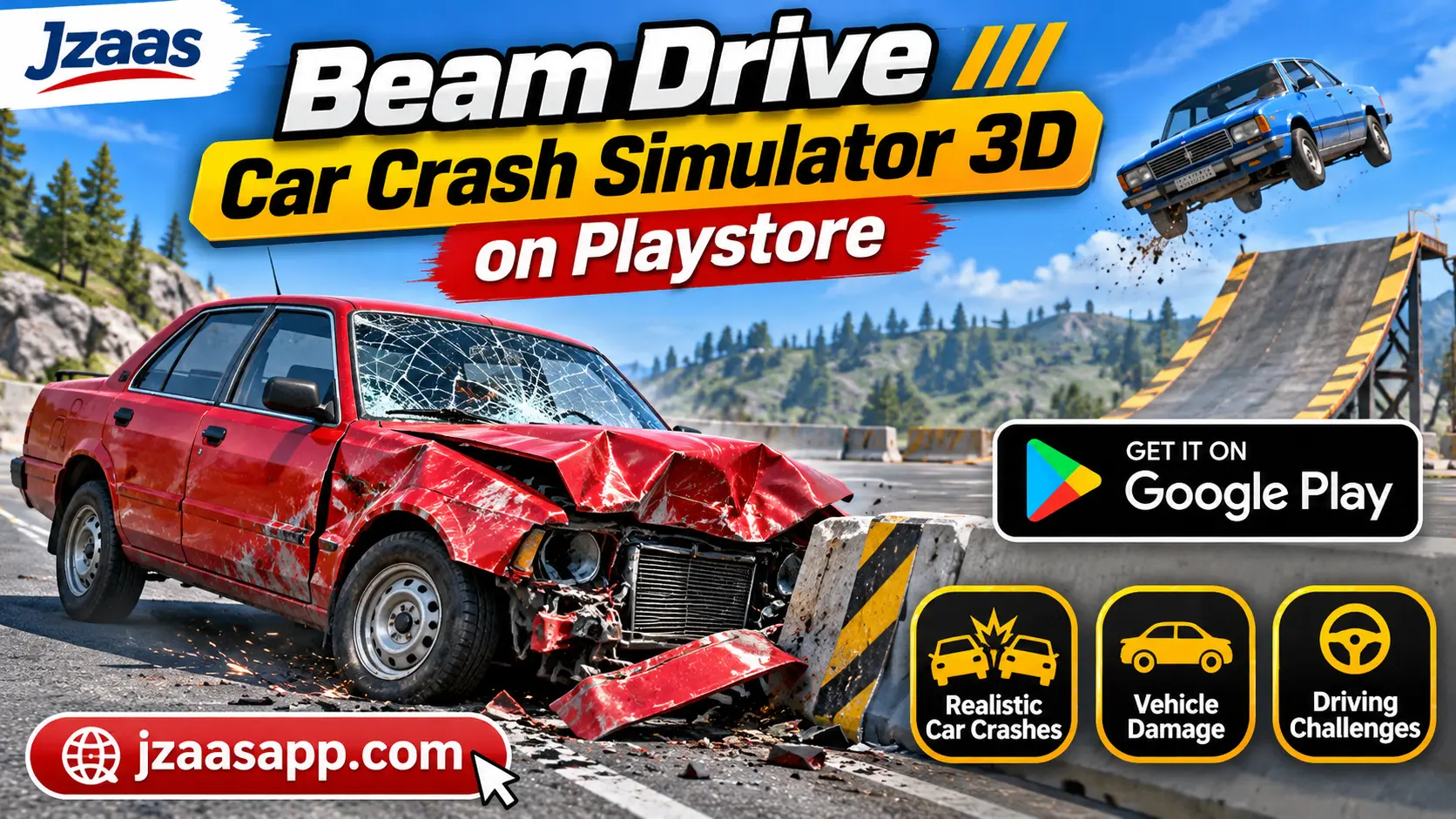
Beam Drive Car Crash Simulator 3D on Playstore

Car crash games are exciting because they let you experience high speed collisions, vehicle damage, and driving challenges without any real world danger. However, finding an Android game with enjoyable driving controls and realistic crash effects can be difficult. If you are looking for something different from regular racing games, Beam Drive Car Crash Simulator 3D on Playstore is worth exploring.
Available on Google Play as Beam Drive Crashes Original 3D, this simulation game focuses on vehicle destruction, crash testing, and driving challenges. Players can try different cars, experiment with collisions, and explore how vehicles react to impacts. This guide covers the game’s main features, gameplay, download process, pricing, safety information, and Android requirements to help you decide whether it is right for you.
Beam Drive Crashes Original 3D (Quick Information)
Before downloading the game, it helps to understand its basic details. The table below provides important information based on its Google Play listing.
| Information | Details |
|---|---|
| App Name | Beam Drive Crashes Original 3D |
| Developer | CrashTime |
| Category | Simulation, Car Driving |
| Platform | Android |
| Availability | Google Play Store |
| Main Features | Car crashes, vehicle damage, crash testing, sandbox gameplay |
| Pricing | Free to download, with ads and in-app purchases |
| Internet Requirements | Offline gameplay listed; internet needed for downloading and some online features |
| Android Compatibility | Depends on device and Google Play requirements |
| Download Source | Official Google Play Store |
| Content Rating | Everyone |
What Is Beam Drive Car Crash Simulator 3D?
Beam Drive Crashes Original 3D is an Android driving simulation game developed by CrashTime. Instead of focusing only on winning races, it allows players to test vehicles in different crash situations. The game combines car driving, vehicle collisions, and destruction effects to create an experience where crashes are an important part of the gameplay.
Players can choose from available vehicles and explore different driving and crash-testing activities. The game includes cars inspired by Russian models, such as the Vaz, Niva, and Lada. Each collision gives players an opportunity to observe vehicle damage and experiment with different driving approaches.
The game also offers sandbox style crash testing, where players can explore vehicle destruction without focusing entirely on competitive racing. This makes it an interesting choice for people who enjoy car physics games, vehicle experiments, and casual driving challenges.
Key Features of Beam Drive Crashes Original 3D
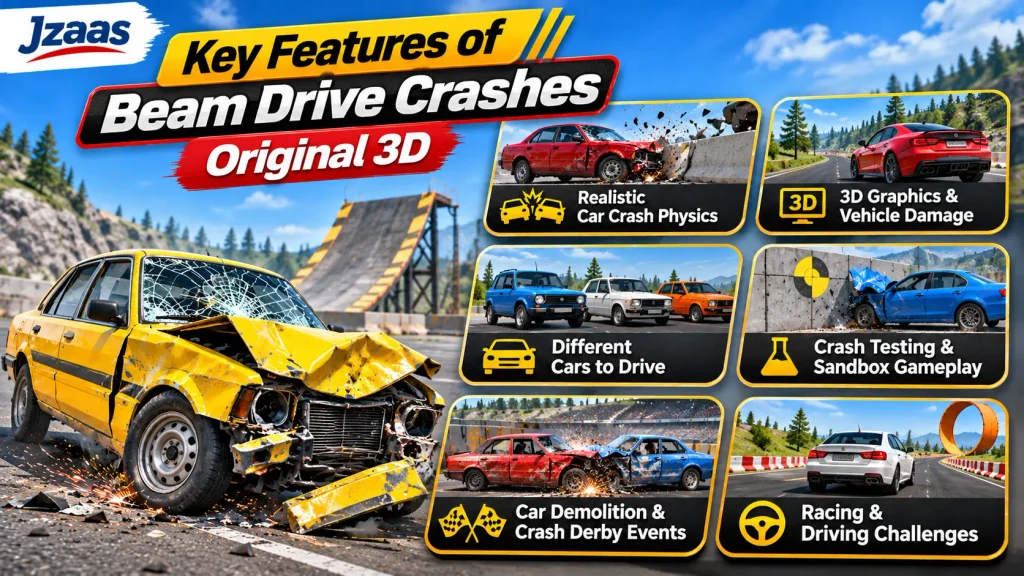
Beam Drive Crashes Original 3D includes several features that make its driving and destruction gameplay interesting. Its main attractions are realistic collision effects, different vehicles, and several ways to experience car crashes.
Realistic Car Crash Physics
One of the game’s main features is its crash simulation system. When a vehicle hits an obstacle or another car, the game displays damage based on the collision. Different driving speeds and impacts can produce different results, making crash experiments an important part of the experience.
3D Graphics and Vehicle Damage
The game uses 3D environments and vehicle models to display driving and collision scenes. Players can watch cars become damaged during crashes and observe the results of different impacts. These visual effects help make car destruction more interesting than simple driving alone.
Different Cars to Drive
Players can explore a selection of vehicles, including Russian-style cars such as the Vaz, Niva, and Lada. Trying different cars adds variety because players can compare how vehicles behave during driving and collisions. The selection of available vehicles may depend on game progress or unlock conditions.
Crash Testing and Sandbox Gameplay
The sandbox style gameplay allows players to experiment with crashes in different environments. Instead of always following a fixed racing objective, players can focus on testing vehicles and exploring collision effects. This feature is especially useful for people who enjoy experimenting with car damage.
Car Demolition and Crash Derby Events
Beam Drive Crashes Original 3D also includes demolition-focused gameplay and crash derby activities. These challenges put more attention on vehicle collisions than ordinary driving. Players interested in car destruction can explore these activities to experience different crash situations.
Racing and Extreme Driving Challenges
Along with crash testing, the game includes racing and driving activities. Players can practice controlling vehicles, try challenging driving situations, and experience collisions during gameplay. This combination gives the game more variety than a simulator that focuses on only one activity.
If you enjoy driving games, check out our Euro Truck Simulator guide for more driving fun on Android.
How to Download Beam Drive Car Crash Simulator 3D on Playstore
Downloading the game through Google Play is a straightforward process. Before starting, make sure your Android device has enough available storage and a stable internet connection for the download.
Step 1: Open Google Play Store
Unlock your Android phone and open the Google Play Store app. Make sure you are connected to the internet and signed in to your Google account if required.
Step 2: Search for the Game
Tap the search bar and enter “Beam Drive Crashes Original 3D.” Look for the game published by CrashTime to avoid confusing it with other car crash simulators that have similar names.
Step 3: Check the App Details
Open the game’s listing and review its description, screenshots, pricing information, and device compatibility. You can also read recent user reviews to understand what other players have experienced.
Step 4: Download and Install
Tap the Install button if the game is available for your device. Google Play will download and install the game automatically. The process may take longer depending on your internet speed and the download size.
Step 5: Open the Game
Once installation is complete, tap Play or find the game icon on your home screen. Open the game, review the available options, and begin exploring its driving and crash-testing activities.
How to Play Beam Drive Car Crash Simulator 3D
The game focuses on driving vehicles and experimenting with collisions in different situations. New players can begin by exploring the available cars and learning how the driving controls work before attempting more challenging crashes.
Choose an Available Vehicle
Start by selecting a car from the vehicles available in your game. Different cars can provide different driving experiences, so it is useful to try more than one. Some vehicles may have access or unlock conditions.
Explore Driving and Crash Activities
After choosing a vehicle, explore the available gameplay activities. You can focus on driving, crash testing, or other supported challenges. Spend some time learning how the car responds to acceleration, steering, and braking.
Experiment With Different Collisions
Try approaching obstacles at different speeds and observe how the vehicle reacts. You can also experiment with other crash situations offered by the game. Comparing the results makes it easier to understand the game’s collision system.
If you prefer driving around a city with roleplaying activities, you can also explore our Grand Mobile RP Open World Game on Play Store guide.
Tips for Better Car Crash Gameplay
Understanding vehicle controls and experimenting with driving situations can make the game more enjoyable. Beginners do not need to rush into difficult challenges because learning how cars behave is part of the experience.
Learn the Driving Controls First
Before attempting major collisions, practice steering, accelerating, and braking. Getting comfortable with the controls will help you position your vehicle correctly and explore different driving challenges.
Try Different Impact Speeds
A slow collision and a high-speed crash may produce different damage effects. Experiment with different speeds to observe how the game’s crash physics respond. This can make simple crash tests more interesting.
Compare Different Vehicles
Avoid using the same car for every crash experiment. Try other available vehicles and observe how their driving behavior and damage effects differ. This adds variety to the experience without requiring a completely new activity.
Is Beam Drive Crashes Original 3D Free to Use?
Yes, of course Beam Drive Crashes Original 3D is listed as a free to download game on Google Play. You can install it without paying an upfront purchase price. This makes it accessible to players who want to explore car crash simulation on an Android device.
However, the game contains advertisements and offers in app purchases. Some optional content or features may involve payments or other unlock conditions. Players should review the purchase information before spending money, especially if children are using the device.
Is Beam Drive Crashes Original 3D Safe for Android?
Downloading the game from its official Google Play listing is a more reliable option than using an unknown APK website. Google Play provides information about the developer, app permissions, privacy practices, and user feedback. However, availability on Google Play does not guarantee that an app is completely free from security or privacy risks.
According to the game’s Google Play data safety information, it may collect app activity and app information related to performance. It may also share device or other identifiers with third parties. Users should review these disclosures, keep their devices updated, and avoid unofficial modified versions that could introduce additional risks.
If you enjoy open world driving games, check out our Car Simulator 2 guide for more exciting driving adventures on Android.
Beam Drive Crashes Original 3D Requirements
Before installing the game, check whether your Android phone meets its current requirements. Compatibility can vary depending on the Android version, available resources, and the game’s updates.
| Requirement | Details |
|---|---|
| Operating System | Android; supported versions depend on the current listing |
| Device | Compatible Android phone or tablet |
| Storage Space | Enough free space for the game and its data |
| Internet Connection | Required for download and updates |
| Offline Gameplay | Listed as supported on Google Play |
| RAM and Processor | Exact minimum specifications not confirmed |
| Google Play Access | Needed for direct Play Store installation |
Google Play normally indicates whether an app is compatible with your device. Check the listing before installing rather than relying on estimated specifications.
Common Problems and How to Fix Them
Some players may experience installation or performance problems depending on their Android device. These issues do not necessarily affect every user, and a few basic checks can help identify the cause.
Game Not Installing From Play Store
If the game does not install, check your internet connection and available phone storage. Restart Google Play Store and try downloading again. If the listing says the game is incompatible with your device, check the supported requirements before trying another method.
Game Crashing or Closing Unexpectedly
If the game closes during gameplay, restart your phone and check whether an update is available. Closing unnecessary background apps may also help reduce memory usage. If the issue continues, contact the developer through the support details on Google Play.
Slow Gameplay or Lag
Performance can vary across Android devices, especially during scenes with multiple collisions. Close background applications and reduce graphics settings if the game provides that option. Keeping enough free storage and avoiding device overheating may also help maintain smoother performance.
FAQs
Is Beam Drive Car Crash Simulator 3D Available on Android?
Yes. The game is available on Google Play under the name Beam Drive Crashes Original 3D. Its availability for individual users depends on their country and device compatibility.
Can I Play Beam Drive Crashes Original 3D Offline?
Google Play lists the game as supporting offline gameplay. However, downloading updates, accessing advertisements, and completing purchases may require an internet connection.
Does Beam Drive Crashes Original 3D Have Realistic Car Damage?
Yes. The game focuses on vehicle collisions and destruction physics. Cars can display damage during crashes, although the effects are simulated and should not be considered an exact representation of real world vehicle safety.
Is Beam Drive Crashes Original 3D Free to Download?
Yes. The game is free to download from Google Play. It contains advertisements and offers optional in app purchases.
Can I Play Beam Drive Crashes Original 3D on a Low End Android Phone?
That depends on your phone’s specifications and the game’s current compatibility requirements. Check the Google Play listing to see whether your device supports it. Actual gameplay performance may vary.
Where Can I Find More Android Driving Games?
You can browse the Jzaas Android Games section to discover other games, including driving titles and different types of mobile entertainment.
Conclusion
Beam Drive Crashes Original 3D offers an interesting way to explore vehicle collisions, crash testing, and driving challenges on Android. Its combination of destruction physics, different cars, and sandbox style gameplay makes it a suitable option for players who enjoy experimenting with virtual car crashes rather than focusing only on traditional racing.
If you are interested in trying the game, visit its official Google Play listing and check the latest compatibility and pricing details. Start with the basic driving controls, explore the available vehicles, and try different crash situations to decide whether the gameplay suits your interests.