Realistic AR Car Driving Game on Play Store

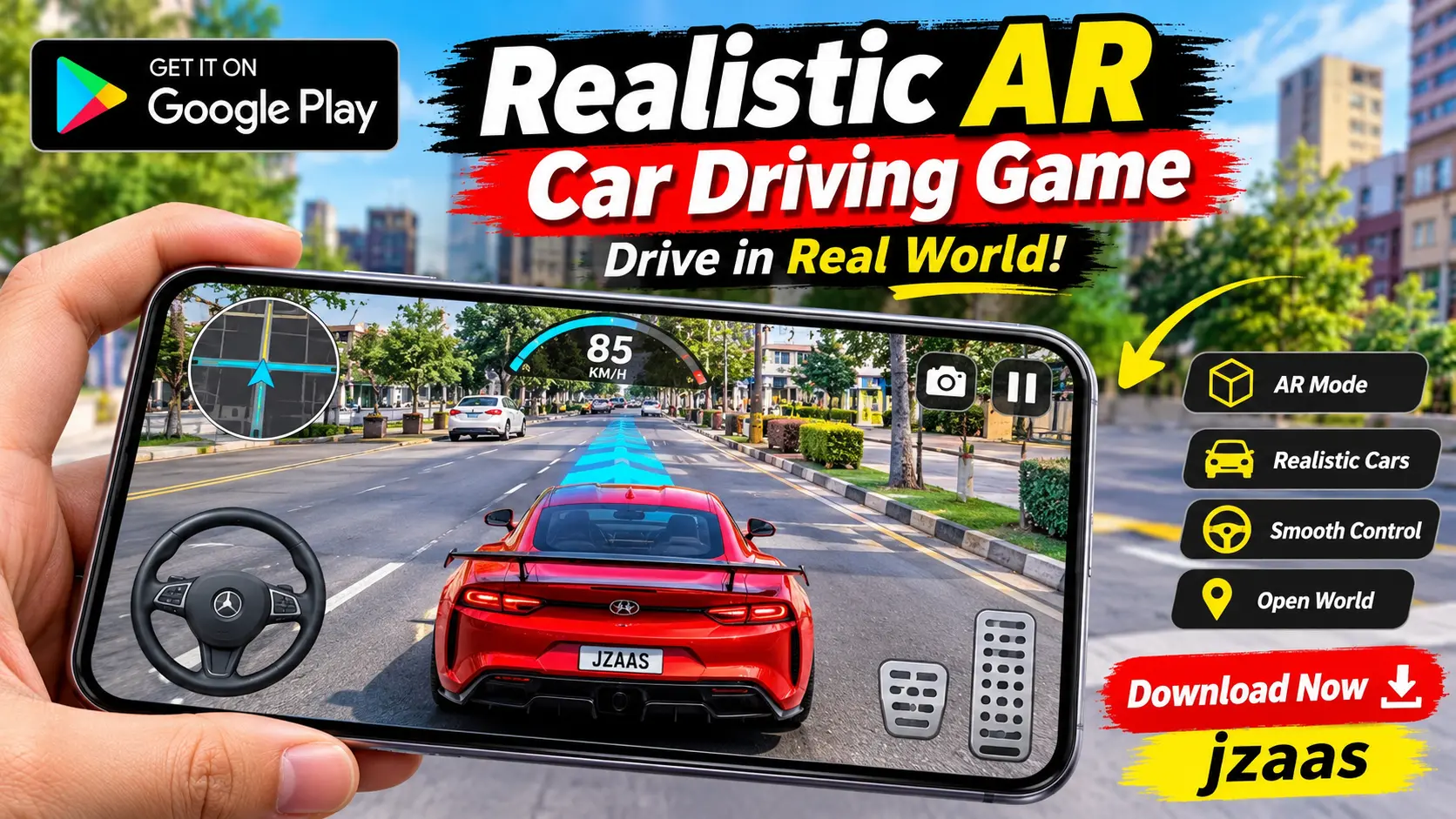
Have you ever wanted to see a realistic car driving around your own room or backyard? A realistic AR car driving game on Play Store makes this possible using augmented reality technology. Instead of driving through a virtual city, you can place a 3D car in your real surroundings and control it using your Android phone.
These games offer something different from traditional racing and driving simulators. One example is Vehicle AR Drive, an Android game that allows users to view and drive virtual vehicles through their phone’s camera. In this guide, you will learn about its features, gameplay, download process, device requirements, and important things to check before playing.
Vehicle AR Drive (Quick Information)
Here is a quick overview of Vehicle AR Drive, an example of a realistic AR car driving game available on Google Play.
| Information | Details |
|---|---|
| App Name | Vehicle AR Drive |
| Developer | KLD Apptech |
| Category | Simulation / AR Driving |
| Platform | Android |
| Availability | Google Play Store |
| Main Features | 3D vehicles, AR driving, steering controls, vehicle scaling |
| Pricing | Free to install; contains ads and in-app purchases |
| Internet Requirements | Required for downloading; offline gameplay not confirmed |
| Android Compatibility | Depends on device and Google Play compatibility |
| Camera Access | Required for AR viewing |
What Is a Realistic AR Car Driving Game?
A realistic AR car driving game is a mobile game that uses augmented reality to display virtual cars in real world environments. It combines the view from your phone’s camera with computer-generated 3D vehicles, allowing you to see cars that appear to be in front of you.
Unlike regular car games, AR driving games do not always need a virtual road or racing track. You can view a car on your floor, in your living room, or in another suitable space. Games such as Vehicle AR Drive also provide controls that let you move the virtual vehicle.
The main attraction is the combination of real surroundings and digital vehicles. It gives car enthusiasts a different way to explore 3D models and enjoy interactive driving on Android.
How Does an AR Car Driving Game Work?
AR car driving games use your smartphone’s camera and software to display a digital car over the real-world view. Some games also use motion tracking and surface detection to help position virtual vehicles correctly.
In Vehicle AR Drive, players select a vehicle, open the AR camera, and scan a flat surface. Once the game recognizes the placement area, they can display the selected vehicle and control it through the screen.
The experience depends on the game’s AR technology, your device, and the surrounding environment. Good lighting and a clear surface can make it easier for the camera to recognize where the virtual car should appear.
Key Features of Vehicle AR Drive
Vehicle AR Drive includes several interactive features designed for people who enjoy cars and augmented reality. Its Google Play description highlights 3D vehicle models, driving controls, AR placement, and options for changing how vehicles appear.
Realistic 3D Vehicle Models
The game displays 3D vehicles with different shapes, colors, and textures. Players can view these virtual models through their phone’s camera and see how they appear in their surroundings. The visual experience depends on the selected vehicle and the device’s performance.
Augmented Reality Driving Experience
One of the main features is the ability to place virtual vehicles in a real environment. You can use the camera to display a car on a suitable surface and interact with it without entering a completely digital driving world.
Different Types of Vehicles
Vehicle AR Drive includes multiple vehicle categories, such as cars, trucks, buses, pickup trucks, SUVs, taxis, and sports cars. This gives players different models to explore instead of limiting the experience to one type of car.
Interactive Driving Controls
The game provides on-screen controls for steering, forward movement, reverse movement, and braking. These controls allow players to drive their selected virtual vehicle while watching it through the AR camera. Beginners can start with slow movements to understand how the controls respond.
Adjustable Vehicle Size
Players can change the size of virtual vehicles using the scaling option. This allows them to view a smaller car model or make it appear closer to life-size. It can be interesting to compare how different vehicles look in the same space.
Vehicle Position Adjustment
The game also includes an option for changing the position of a selected vehicle. If the car appears in an inconvenient place, players can adjust where it is displayed. This makes it easier to arrange vehicles within the camera view.
Screenshot Sharing
Vehicle AR Drive supports taking screenshots of virtual vehicles and sharing them. Players can capture a car appearing in their surroundings and share the image through supported options on their device.
How to Download a Realistic AR Car Driving Game from Play Store
Downloading Vehicle AR Drive is straightforward if the game is available for your Android device. Using its official Google Play listing also makes it easier to check the published app information before installing.
Follow these steps to download the game:
- Open the Google Play Store on your Android phone.
- Type Vehicle AR Drive in the search bar.
- Find the game published by KLD Apptech.
- Open the listing and review its details and permissions.
- Check whether Google Play shows the game as compatible with your device.
- Tap the Install button.
- Once installation is complete, tap Open to launch the game.
Click the below button
Make sure your device has enough storage space and a working internet connection before downloading. If Google Play reports that the game is not compatible, check the listed requirements rather than installing an unknown APK version.
How to Play Vehicle AR Drive on Android
Vehicle AR Drive uses a simple process that combines selecting a vehicle, opening the camera, and controlling the model. Players who are new to augmented reality may need a little time to understand how virtual objects are placed.
Step 1: Open the Game and Select a Vehicle
Launch Vehicle AR Drive and choose a vehicle from the available selection menu. You can explore different models and pick the one you want to view in augmented reality.
Step 2: Start the AR Camera
Open the game’s AR camera option and allow camera access when requested. Point your phone toward a clear, flat surface where you want the virtual vehicle to appear.
Step 3: Scan the Surface
Move your phone gently while following the on-screen instructions. The game uses a surface-scanning process and displays a marker to help position the vehicle. Once the placement area is ready, use the option to show your selected car.
Step 4: Drive the Virtual Car
Use the steering, forward, reverse, and brake controls to move the vehicle. Start slowly so you can understand how it responds. You can then try turning and moving the car in different directions.
Step 5: Adjust the View
Use the available scaling and positioning options to change the vehicle’s appearance and location. You can also take a screenshot if you want to save an interesting view of the car in your surroundings.
You can also explore our Grand Mobile RP Open World Game guide if you enjoy multiplayer driving, city exploration, and roleplaying activities.
Tips for a Better AR Car Driving Experience
The quality of an AR driving experience can depend on your phone’s camera, device performance, and surroundings. A few simple adjustments may help virtual cars appear more clearly and make controls easier to use.
Choose a Well Lit Area
Try playing in a room with enough natural or indoor light. A clear camera view can help AR software recognize surfaces. Very dark spaces or strong reflections may make vehicle placement more difficult.
Use a Flat and Open Surface
Choose an area with enough space to display the vehicle. A clear floor or another flat surface is usually easier to scan than an uneven or cluttered space.
Start With Simple Movements
Avoid making quick turns immediately after placing the car. Practice steering, braking, and moving forward slowly. This will help you understand how the virtual vehicle behaves.
Keep Your Phone Steady
Move your phone smoothly when scanning the environment. Sudden camera movements can sometimes affect the tracking of virtual objects. Keeping the selected surface in view may help maintain a more consistent AR experience.
Is Vehicle AR Drive Free to Use?
Vehicle AR Drive is listed on Google Play as a free to install game. Players can download it without paying an upfront purchase price, making it accessible to Android users who want to try AR driving.
However, the Play Store listing confirms that the game contains advertisements and offers in app purchases. The cost and availability of optional purchases may vary, so users should review the details inside the game before spending money.
Is Vehicle AR Drive Safe for Android?
Vehicle AR Drive has an official Google Play Store listing, making it possible to review the developer information, permissions, and data safety section before downloading. However, being listed on Google Play does not guarantee that an app has no security or privacy risks.
According to its Play Store data safety disclosure, the app may collect or share certain information, including location, app performance information, and device identifiers. Users should review these details, grant only necessary permissions, and avoid downloading modified copies from untrusted websites.
Vehicle AR Drive Requirements
Before downloading an AR driving game, you should check whether your Android phone can support its features. Camera access, available storage, and device performance are important considerations.
| Requirement | Details |
|---|---|
| Operating System | Exact minimum Android version should be checked on Google Play |
| Device | Compatible Android smartphone or tablet |
| Camera | Required for viewing AR vehicles |
| AR Support | Depends on the game and device; some AR games require Google Play Services for AR |
| Storage | Sufficient free space for installation and game data |
| Internet | Required for downloading and updates; offline support not confirmed |
| Permissions | Camera and other permissions requested by the app |
| Lighting | A well lit environment is recommended |
Some augmented reality games depend on Google’s ARCore technology, while others use different AR methods. You can check your phone against Google’s ARCore supported devices list, but being on that list does not guarantee compatibility with every AR driving game.
Common AR Car Driving Game Problems and Fixes
Like other camera based games, AR driving applications can sometimes experience placement or performance problems. The solutions depend on the device and the game, but these basic checks may help.
AR Car Is Not Appearing
If the selected vehicle does not appear, check whether the game has camera permission. Try scanning a flat surface again in a brighter area. You can also restart the game and repeat the vehicle placement process.
Game Is Lagging or Running Slowly
Close unnecessary background applications and check whether your phone is overheating. AR games may require more processing power because they display camera footage and 3D objects together. Performance can vary between Android devices.
Game Is Not Compatible With Your Phone
If Google Play displays a compatibility warning, your device may not meet the game’s current requirements. Check for available Android updates and review the app’s supported devices. Do not assume that downloading an APK from another website will solve a compatibility problem.
AR Car Driving Games vs Traditional Car Simulator Games
AR driving games and regular car simulators both involve virtual vehicles, but they provide different experiences. AR games display cars over real surroundings, while traditional simulators create their own digital roads, tracks, or cities.
| Feature | AR Car Driving Games | Traditional Car Simulators |
|---|---|---|
| Environment | Real-world camera view | Virtual game world |
| Main Experience | Placing and controlling 3D cars | Driving through roads or tracks |
| Camera Access | Usually required | Usually not required |
| AR Support | May be required | Generally not required |
| Driving Missions | Depends on the game | Often included |
| Vehicle Interaction | AR placement and movement | Driving, racing, and exploration |
If you prefer exploring a virtual city and completing driving missions, read our Car Simulator 2 Open World Game guide to learn about another driving experience on Android.
FAQs
What is a realistic AR car driving game?
A realistic AR car driving game uses augmented reality to display virtual 3D vehicles within your real surroundings. Some games also allow you to steer, move, and adjust the vehicles using on-screen controls.
Can I drive AR cars on my Android phone?
Yes, you can drive virtual AR cars using compatible Android games. Vehicle AR Drive, for example, provides steering, forward movement, reverse, and braking controls. The experience depends on your device and the game’s supported features.
Are AR car driving games free on Google Play?
Some AR car driving games are free to download, while others may charge for installation or additional content. Vehicle AR Drive is free to install but includes advertisements and in-app purchases.
Do AR car driving games work without internet?
Offline support depends on the specific game. Some AR experiences may work after downloading their required files, but this is not guaranteed. Offline gameplay has not been confirmed for Vehicle AR Drive.
Do AR car driving games work on all Android phones?
No. Compatibility varies according to the game, Android version, device hardware, and required AR technology. Before downloading, check the game’s Google Play listing to see whether it supports your phone.
What is the difference between AR car games and normal car games?
AR car games place virtual vehicles into the real-world view captured by your camera. Normal car games usually take place inside a completely digital environment, such as a racing track or open-world city.
Conclusion
A realistic AR car driving game on Play Store offers an interesting way to enjoy virtual cars in real-world surroundings. Games like Vehicle AR Drive combine 3D vehicle models, camera-based viewing, interactive controls, and adjustable vehicle sizes to create a different experience from traditional driving simulators.
If you enjoy exploring cars and experimenting with augmented reality, this type of game may be worth trying. Before downloading, check the official Google Play listing, confirm device compatibility, and review the available features and permissions. Choosing a game that works properly on your phone will help you enjoy a smoother experience.