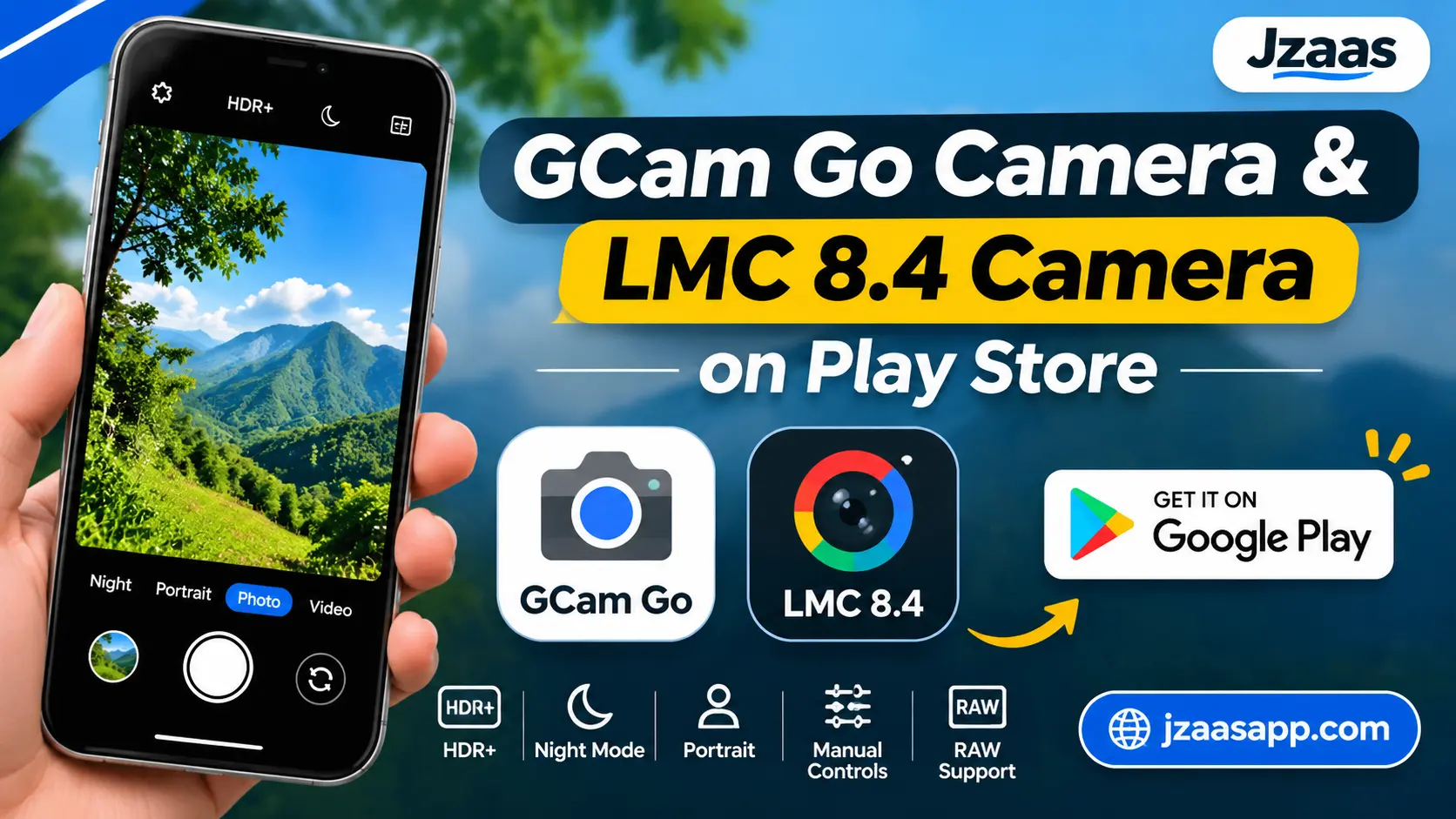
GCam Go Camera and LMC 8.4 Camera on Play Store

Many Android users look for a better camera app when their phone’s default camera does not produce the photos they want. GCam Go Camera and LMC 8.4 are two names that often come up when people search for GCam-style photography. Both offer different experiences, but they are not the same application. One is an independent camera app listed on Google Play, while the other is an unofficial Google Camera port developed by Hasli.
If you are planning to try either option, it is important to understand its features, compatibility, and installation process first. This guide explains what makes these camera apps different, which one may suit your needs, and how to choose a suitable version for your Android smartphone.
GCam Go Camera and LMC 8.4 – Quick Overview
Before exploring the features, here is a quick overview of both camera applications. This table will help you understand their main differences and available download options.
| Information | GCamGo Camera | LMC 8.4 |
|---|---|---|
| App Name | GCamGo Camera – GCam LMC 8.4 | LMC 8.4 Camera |
| Category | Photography | Photography |
| Developer/Source | Galaxy studio apps | Hasli |
| Platform | Android | Android |
| Availability | Google Play Store listing | APK download |
| Main Features | HDR+, Night Mode, Portrait, Manual Controls | Advanced image processing, camera controls, RAW options |
| Configuration | Depends on app version | XML configuration support |
| Pricing | Free to install, ads and in-app purchases | Depends on distribution source |
| Compatibility | Depends on Play Store device support | Depends on phone model and APK variant |
| Download Source | Google Play Store | GCam Hub |
Note: GCamGo Camera – GCam LMC 8.4 is an independent third-party application. Hasli’s LMC 8.4 is a separate unofficial GCam port, so do not confuse the two.
What Makes GCam Go Camera Popular?
GCamGo Camera is designed for Android users who want additional photography options on their smartphones. Its Google Play listing advertises several camera features that focus on image quality, low-light photography, and manual adjustments.
Here are some of the main features mentioned in its application description.
Easy to Use Camera Interface
A camera application should make it easy to capture pictures without spending too much time searching through settings. GCamGo aims to provide a straightforward photography experience with accessible camera options.
This can be useful for beginners who want to experiment with different photography settings without dealing with complicated controls.
HDR+ and Image Quality
HDR+ is one of the main features advertised by the GCamGo application. It is designed to balance bright and dark areas in a photograph, helping retain details in scenes with different lighting levels.
For example, when you take a picture outdoors with bright sunlight and shadows, HDR processing can help create a more balanced result. Actual performance depends on the phone and application implementation.
Night Photography
Taking pictures in low light can be challenging, especially when the camera sensor struggles to capture enough detail. Night Mode is designed to improve photographs taken in darker environments.
The GCamGo listing advertises Night Mode for capturing brighter pictures without using a flash. However, results can vary depending on your smartphone camera and surrounding light.
Portrait Photography
Portrait Mode is useful when you want the subject to stand out from the background. It creates a background-blur effect that gives photographs a portrait-style appearance.
You can use this feature for people, selfies, and selected close-up photographs. The quality of the blur depends on the application’s subject detection and image processing.
LMC 8.4 Camera – Features and Capabilities
LMC 8.4 is an unofficial Google Camera modification developed by Hasli. It is based heavily on Shamim’s SGCam GCam 8.4 and includes additional settings and modifications from different developers.
Unlike a regular camera application, LMC 8.4 gives compatible devices access to more photography adjustments. Its available controls and performance depend on the installed release and smartphone hardware.
Advanced Camera Settings
One of the main reasons photography enthusiasts explore LMC 8.4 is its additional camera settings. Depending on the installed version, users can access options for exposure, focus, image processing, and other camera adjustments.
These controls are helpful when automatic camera settings do not produce the expected results. However, beginners should avoid changing several settings at once because incorrect adjustments may affect picture quality.
Image Processing and HDR
Image processing plays an important role in smartphone photography. It determines how a camera handles colours, brightness, shadows, highlights, and image details.
LMC 8.4 includes different processing adjustments that allow users to experiment with their photographs. Some options may work differently depending on the camera sensor and selected configuration.
Night Photography and Portrait Photography
LMC 8.4 provides access to Google Camera-based photography features, including low-light and portrait-related options where supported by the build and device.
Night photography can help capture scenes in darker conditions, while portrait processing can create a background-blur effect. The results are not identical across all smartphones, so testing different settings may be necessary.
XML Configuration Files
XML configuration files are an important part of the LMC 8.4 experience. They contain saved camera settings that can be imported into compatible versions of the application.
Different smartphones may require different configurations because their camera sensors and hardware are not identical. You can explore device-specific configurations through the Hasli LMC 8.4 configuration collection.
Using a configuration made for your phone model can help you avoid unnecessary manual adjustments. Still, not every community configuration will work perfectly on every device.
GCam Go vs LMC 8.4 – Main Differences
Although both applications are connected with GCam style photography, their installation methods, controls, and customization options are different.
| Feature | GCamGo Camera | LMC 8.4 |
|---|---|---|
| Application Type | Independent camera app | Modified GCam application |
| Developer | Galaxy studio apps | Hasli |
| Installation | Google Play Store | APK file |
| Manual Controls | Advertised | Advanced controls |
| HDR | Advertised | Available depending on build and device |
| Night Photography | Advertised | Depends on compatible camera modes |
| XML Support | Not established as a standard feature | Supported |
| Customization | Depends on app options | More configuration options |
| Best For | Users wanting a simple installation | Users interested in camera customization |
The main difference is that GCamGo is an independent application with a Play Store installation option, whereas LMC 8.4 is a modified Google Camera application distributed through APK releases.
Your choice should depend on your phone’s compatibility and the level of camera control you need.
Which Camera App Is Better for Android Users?
There is no single answer for every smartphone user because both applications have different purposes. Your photography experience, phone model, and preferred camera settings should guide your decision.
Best Choice for Beginners
If you are new to third-party camera applications, GCamGo may be easier to explore because it is available through a Google Play listing. You can install it using the regular Android app installation process without manually selecting an APK package.
Its advertised photography features also give beginners an opportunity to experiment with different camera options.
Best Choice for Advanced Photography
If you enjoy adjusting camera settings and testing different image-processing options, LMC 8.4 may be worth exploring. Its additional controls and XML configuration support offer more flexibility on compatible smartphones.
However, you may need to spend some time finding a suitable APK variant and configuration file. It is also a good idea to keep your phone’s original camera app installed for situations where it performs better.
If you are also interested in professional video recording, you can explore MCPro24FPS APK. It offers manual camera controls, advanced FPS settings, and different recording options for Android users who want more control over their smartphone videos.
How to Download and Install a GCam Camera App
Downloading the correct application is important because several camera apps use similar names. Follow the appropriate installation method depending on which application you want to try.
For GCamGo Camera:
- Open the Google Play Store on your Android smartphone.
- Search for GCamGo Camera – GCam LMC 8.4.
- Check the publisher name and application details.
- Review its permissions and Data Safety information.
- Tap Install if the application is available for your device.
- Open the app and allow the necessary camera permissions.
For LMC 8.4:
- Visit the Hasli LMC 8.4 release page.
- Read the release information and available APK variants.
- Select a package that matches your smartphone.
- Download the APK from the trusted source.
- Check the downloaded file before installation.
- If Android requests permission to install an APK, allow it only for the trusted source you are using.
- Install the application and test its camera functions.
You may also need an XML configuration file for your particular phone. Follow the configuration instructions provided with the file and avoid using settings designed for a different device without checking compatibility.
Android Phones Compatible with GCam Go and LMC 8.4
Camera app compatibility is an important consideration before downloading either application. A camera app may install successfully but still have problems with certain features on your smartphone.
GCamGo compatibility is determined by the application’s supported devices and Google Play requirements. LMC 8.4 has additional compatibility considerations because different APK packages are designed for different device configurations.
Some important factors include:
- Android Version: The application must support your installed Android version.
- Camera2 API: LMC ports may depend on the camera capabilities exposed by your device.
- Processor: Different processor platforms may require different APK variants.
- Camera Hardware: Main, front, ultrawide, and telephoto cameras may behave differently.
- APK Package: Some LMC packages are designed to work with specific smartphone manufacturers.
- Configuration File: XML files should match the application release and preferably your phone model.
Before installing LMC 8.4, check the release notes and package information. Do not assume that an APK working on one Xiaomi, Samsung, Realme, or OnePlus phone will also work on another model.
Is It Safe to Use Third Party Camera Apps?
Third-party camera applications can provide additional photography features, but users should always check their source and permissions before installation. A familiar application name does not automatically mean that the software comes from Google or another official manufacturer.
The GCamGo Play Store listing provides a Data Safety section, which users should review before installing. Its current disclosure indicates that device or other IDs may be shared with third parties.
For LMC 8.4, download APK files from a trusted GCam release source. Check the file details, use Google Play Protect or another reputable security scanner, and avoid modified files from unknown websites. Also, review camera, microphone, and other requested permissions before granting access.
For more Android app guides, APK information, and the latest technology updates, keep visiting Jzaas for simple and useful content.
Common Camera Problems and Their Solutions
Sometimes a camera application may not work properly after installation. The following solutions can help with common issues on Android smartphones.
Camera App Crashing
If the application closes unexpectedly, restart your smartphone and check whether a newer compatible version is available. You can also clear the app cache and try opening it again.
Installation Errors
Installation errors may occur because of an incompatible APK, insufficient storage, or an unsupported Android version. Check the package variant and release requirements before downloading another file.
Black Screen or Camera Not Working
A black screen may indicate a camera permission problem or incompatibility with the device’s camera hardware. Check the application permissions, close other camera apps, and restart your phone.
Poor Photo Quality
If pictures look blurry or have unusual colours, check the camera lens and lighting conditions first. For LMC 8.4, you can also test a compatible configuration file and adjust the available processing settings.
(FAQs)
Is GCam Go better than the default Android camera?
It depends on your smartphone and photography preferences. GCamGo offers additional advertised camera features, but your phone’s original camera may still provide better results for certain pictures and videos.
Does LMC 8.4 improve photo quality?
LMC 8.4 can produce different image-processing results on compatible smartphones. However, improvements are not guaranteed because performance depends on camera hardware, APK version, and configuration settings.
Can I use GCam Go and LMC 8.4 together?
Yes, you may be able to install both applications on the same smartphone if their package names and Android compatibility allow it. Their ability to work together also depends on camera access and device restrictions.
Does LMC 8.4 support XML files?
Yes, Hasli’s LMC 8.4 supports XML configuration files. These files allow users to import saved camera settings, but they should be selected according to the compatible release and smartphone model.
Which GCam version is suitable for beginners?
GCamGo may be a convenient starting point for beginners because it has a Play Store installation option. Users who want additional camera adjustments can explore LMC 8.4 after checking their device compatibility.
Conclusion
GCamGo Camera and LMC 8.4 offer different ways to explore smartphone photography on Android. GCamGo provides a Play Store installation option with advertised features such as HDR+, Night Mode, and Portrait Mode. LMC 8.4 is an unofficial GCam port that offers additional camera controls and XML configuration support for compatible devices.
Before choosing either application, check its developer, installation source, and device compatibility. You should also keep your original camera app available because it may still perform better for certain photography and video recording situations.