
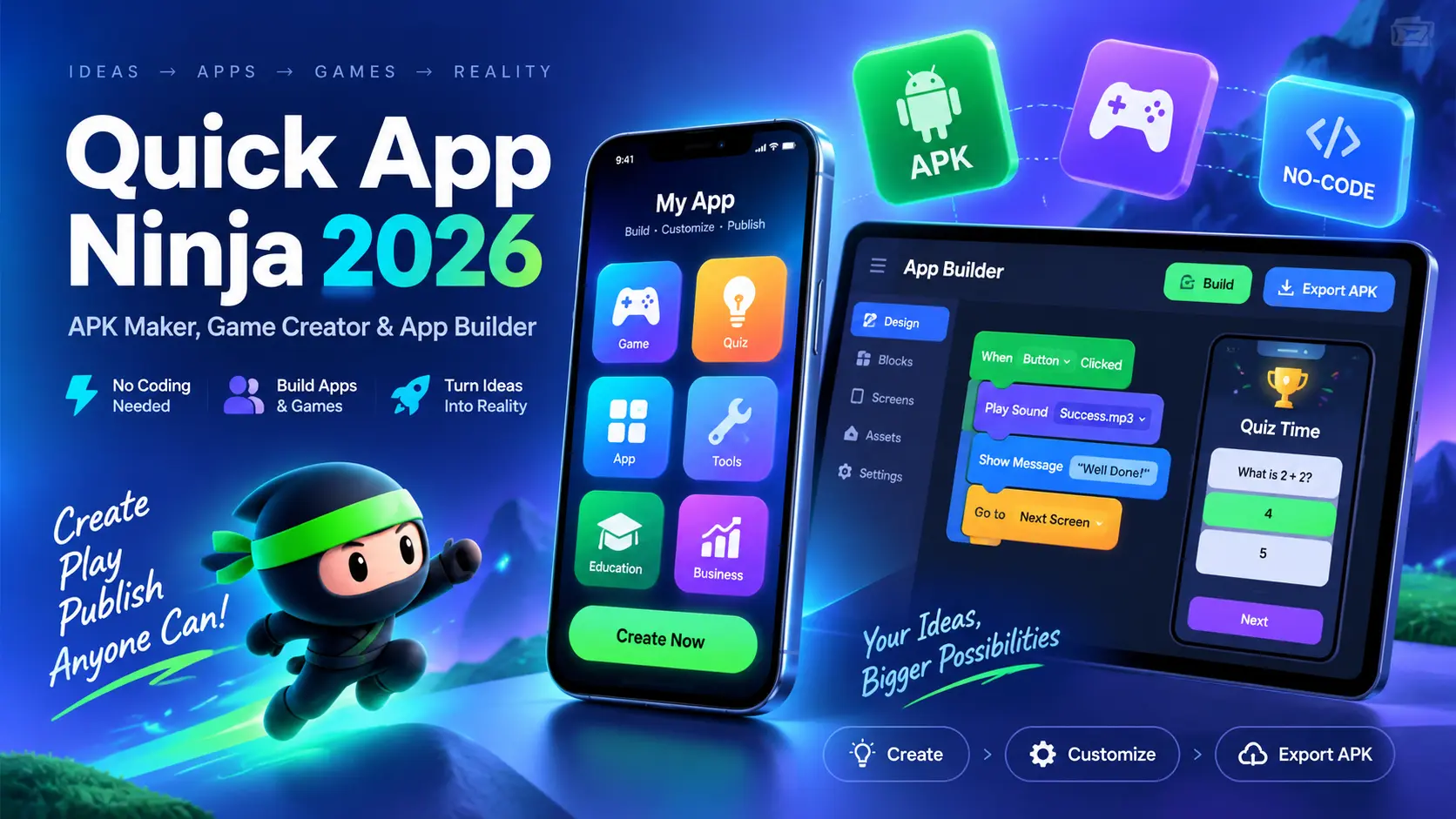
Quick App Ninja 2026 | APK Maker, Game Creator & App Builder

Creating a mobile app usually requires programming knowledge, development skills, and a lot of time. But with no code app builders, anyone can create simple apps, games, and interactive projects without learning complex coding languages. Quick App Ninja 2026 is one such platform that helps users build Android apps, create APK files, and design simple games with an easy to use approach.
Whether you are a beginner, student, content creator, or small business owner, Quick App Ninja provides tools that make the app creation process easier. From Android app support and quiz creation to game making features, the platform allows users to turn their ideas into working mobile projects.
In this article, we will explore Quick App Ninja 2026 features, how it works, APK download information, pros and cons, alternatives, and whether it is the right choice for your app development needs.
| App Name | Quick App Ninja 2026 |
|---|---|
| Category | App Builder & Game Creator |
| Main Purpose | Create Android apps, APK files, games, and quizzes without advanced coding |
| Platform | Android / Mobile App Development Tool |
| Coding Required | No-code or low-code approach |
| Best For | Beginners, students, creators, and small businesses |
| Main Features | APK creation, app building, game maker, quiz tools, customization |
| Experience Level | Beginner Friendly |
What is Quick App Ninja?
Quick App Ninja is an app creation platform that helps users build Android apps and simple games without needing advanced programming skills. It is designed for people who want to create mobile applications but do not have experience with complex coding languages.
The platform focuses on making app development easier through ready-made tools and simple customization options. Users can create different types of apps, add content, test their projects, and prepare them for APK export.
Quick App Ninja is mainly useful for beginners, teachers, students, and creators who want a simple way to turn their ideas into working mobile applications.
Key Features
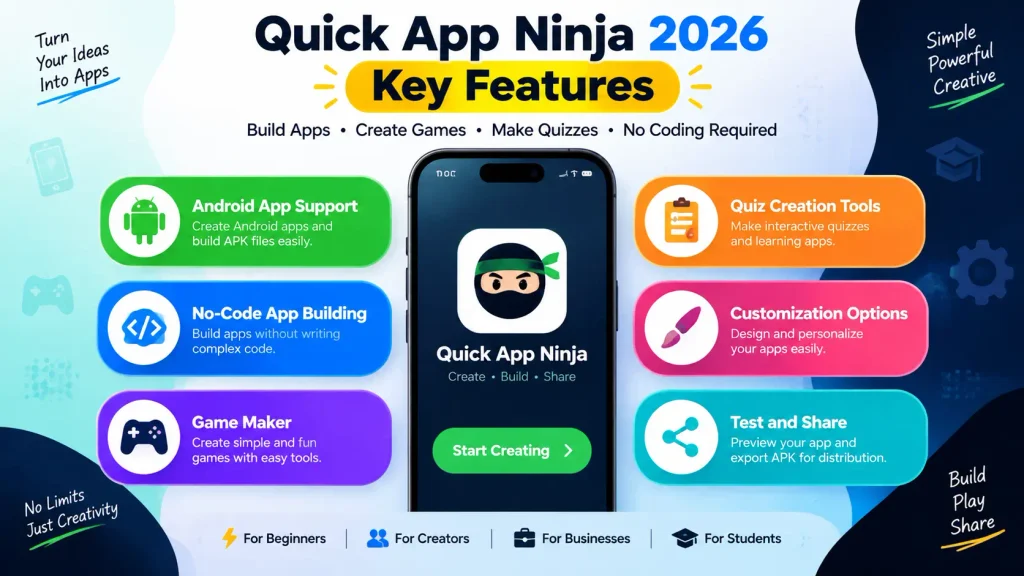
Quick App Ninja provides different tools that make app creation easier. Instead of starting everything from zero, users can work with simple options and customize their projects according to their needs. The platform includes tools for Android apps, games, quizzes, and other interactive projects. These features make it suitable for users who want to experiment with mobile app development.
Android App Support
One of the main features of Quick App Ninja is Android app support. Users can create apps that work on Android devices and build APK files for installation.
Whether you want to create an educational app, a simple utility app, or a small personal project, the Android support feature helps you bring your idea to mobile users.
No Code App Building
Quick App Ninja is built around a no-code approach. This means users can create apps without writing long lines of programming code.
The simple interface allows beginners to add elements, customize layouts, and manage app features easily. It can save time for people who want to build basic apps without learning full programming.
Quick App Ninja Game Maker
The game maker feature allows users to create simple mobile games. It provides tools that help beginners understand basic game creation and build interactive experiences.
Users can work on game ideas, add elements, and create small projects without requiring professional game development knowledge.
Quiz Creation Tools
Quick App Ninja also includes quiz creation options. These tools can be useful for teachers, trainers, and content creators who want to create learning-based apps.
Users can create question-based applications, educational quizzes, and interactive content for different audiences.
Also check out our Cricket All Stars APK article for a complete overview, features, and user experience.
How to Use Quick App Ninja Without Coding
Creating an app with Quick App Ninja is designed to be simple. Users can follow a basic process from selecting a project type to testing and sharing their final creation. The platform removes many technical steps, allowing beginners to focus more on their idea and content.
Choose Your Project Type
The first step is selecting what type of project you want to create. Users can choose between different options such as apps, games, or quiz-based projects. Choosing the right project type helps you start with the correct tools and features.
Customize Your Project
After selecting a project, users can customize different parts of their creation. This may include changing designs, adding content, adjusting settings, and arranging different elements. Customization options allow users to create projects that match their personal style or brand requirements.
Test Your Creation
Before sharing an app or game, testing is an important step. Users can check how their project works and identify possible issues. Testing helps improve the user experience and makes sure the final version works properly.
Share Your Project
Once the project is ready, users can share their creation. The APK file can be prepared for Android installation and distribution. This makes it easier for creators to show their apps to users, friends, clients, or students.
Quick App Ninja 2026 System Requirements
Before using Quick App Ninja, users should check the basic requirements needed for smooth performance.
| Requirement | Details |
|---|---|
| Operating System | Android or supported development environment |
| Device | Smartphone, tablet, or computer depending on usage |
| Storage | Enough space for app files and projects |
| Internet Connection | Required for downloads, updates, and some features |
| User Level | Beginner to intermediate users |
The exact requirements may depend on the version and features being used. Users should always check the latest official information before installation.
Quick App Ninja APK Download
Quick App Ninja APK provides users with an easy way to access the app-building platform and start creating mobile projects. With the APK version, users can explore different tools, design apps, create simple games, and work on their projects directly.
Before downloading Quick App Ninja APK, always make sure you use a trusted and secure source. Downloading APK files from unknown websites may cause security issues or install unwanted files on your device.
How to Download and Install Quick App Ninja APK
Follow these simple steps to get started:
- Find a trusted source for the Quick App Ninja APK file.
- Download the latest APK version on your Android device.
- Open your device settings and allow installation from unknown sources if required.
- Install the APK file and wait for the process to complete.
- Open Quick App Ninja and explore the available app-building tools.
- Start creating your apps, games, or quiz projects with the available features.
Is It Worth Using?
Quick App Ninja can be a useful option for people who want to explore app development without spending months learning programming. Its simple tools make it easier for beginners to create basic applications.
However, users looking for advanced professional apps with complex features may need more powerful development tools.
Why You May Like Quick App Ninja
- Easy for beginners to understand
- No advanced coding knowledge required
- Useful tools for apps, games, and quizzes
- Faster project creation process
- Good for learning basic app development
Things You Should Consider
- Advanced developers may find the features limited
- Complex applications may require professional coding tools
- Performance depends on project size and device capabilities
- Some features may vary between versions
Quick App Ninja Pros and Cons
| Pros | Cons |
|---|---|
| Beginner friendly interface | Limited advanced development options |
| No code app creation | Not ideal for complex applications |
| Supports APK creation | May have fewer professional tools |
| Useful for learning app development | Large projects may need better platforms |
Quick App Ninja vs Other App Builders
Different app builders provide different features depending on user needs. Some focus on beginners, while others provide advanced development options.
| Platform | Best For | Coding Required | Main Feature |
|---|---|---|---|
| Quick App Ninja | Beginners and creators | No | Apps, games, quizzes, APK creation |
| MIT App Inventor | Students and learning | No | Educational app development |
| Thunkable | Mobile app creators | No | Cross-platform apps |
| GDevelop | Game developers | Low/No | 2D game creation |
Quick App Ninja focuses more on simplicity, while other platforms may provide different tools for specific types of projects.
Quick App Ninja Alternatives You Can Try
If Quick App Ninja does not match your needs, there are other app builders available that provide similar features.
MIT App Inventor
MIT App Inventor is a popular beginner-friendly platform created for learning app development. It uses a visual programming system that helps students understand app creation. It is commonly used in schools and educational environments because of its simple approach.
Thunkable
Thunkable allows users to create mobile applications with a visual building system. It supports app development for different devices and provides various customization options. It can be useful for users who want to create more polished mobile applications without traditional coding.
GDevelop
GDevelop is mainly focused on game creation. It helps users create 2D games using simple tools and visual systems. It is a good option for users who are more interested in making games rather than general mobile apps.
Who Should Use Quick App Ninja?
Quick App Ninja is suitable for different types of users who want a simple introduction to app creation.
Beginners and Students
Students and beginners can use Quick App Ninja to understand how mobile apps work and learn basic development concepts.
Game Creators
People who want to create simple games can use its game-making tools to turn ideas into interactive projects.
Small Businesses and Entrepreneurs
Small businesses can use simple app building tools to create basic apps for customers, promotions, or internal use.
Tips to Get Better Results
To get better results from Quick App Ninja, users should plan their app idea before starting development.
Keep the design simple, test the project regularly, and focus on creating a smooth experience for users. Adding useful content and maintaining good performance can improve the final result.
FAQS
Can Quick App Ninja create APK files?
Yes, Quick App Ninja is designed to help users create Android APK projects without advanced coding.
Do I need coding skills to use Quick App Ninja?
No, beginners can use its no-code features to create basic apps and projects.
Can I make games with Quick App Ninja?
Yes, Quick App Ninja includes game creation tools for making simple mobile games.
Is Quick App Ninja good for beginners?
Yes, it is mainly designed for users who want an easier way to start app development.
Final Thoughts
Quick App Ninja 2026 is a simple app builder and game creation tool for users who want to create mobile projects without deep programming knowledge. Its no code approach, APK creation features, and beginner friendly tools make it useful for students, creators, and small businesses. However, users who need advanced professional applications may need more powerful development platforms. Overall, Quick App Ninja can be a good starting point for anyone interested in exploring app and game creation.
For more Android app guides, APK information, and the latest technology updates, keep visiting Jzaas for simple and useful content.

One Comment