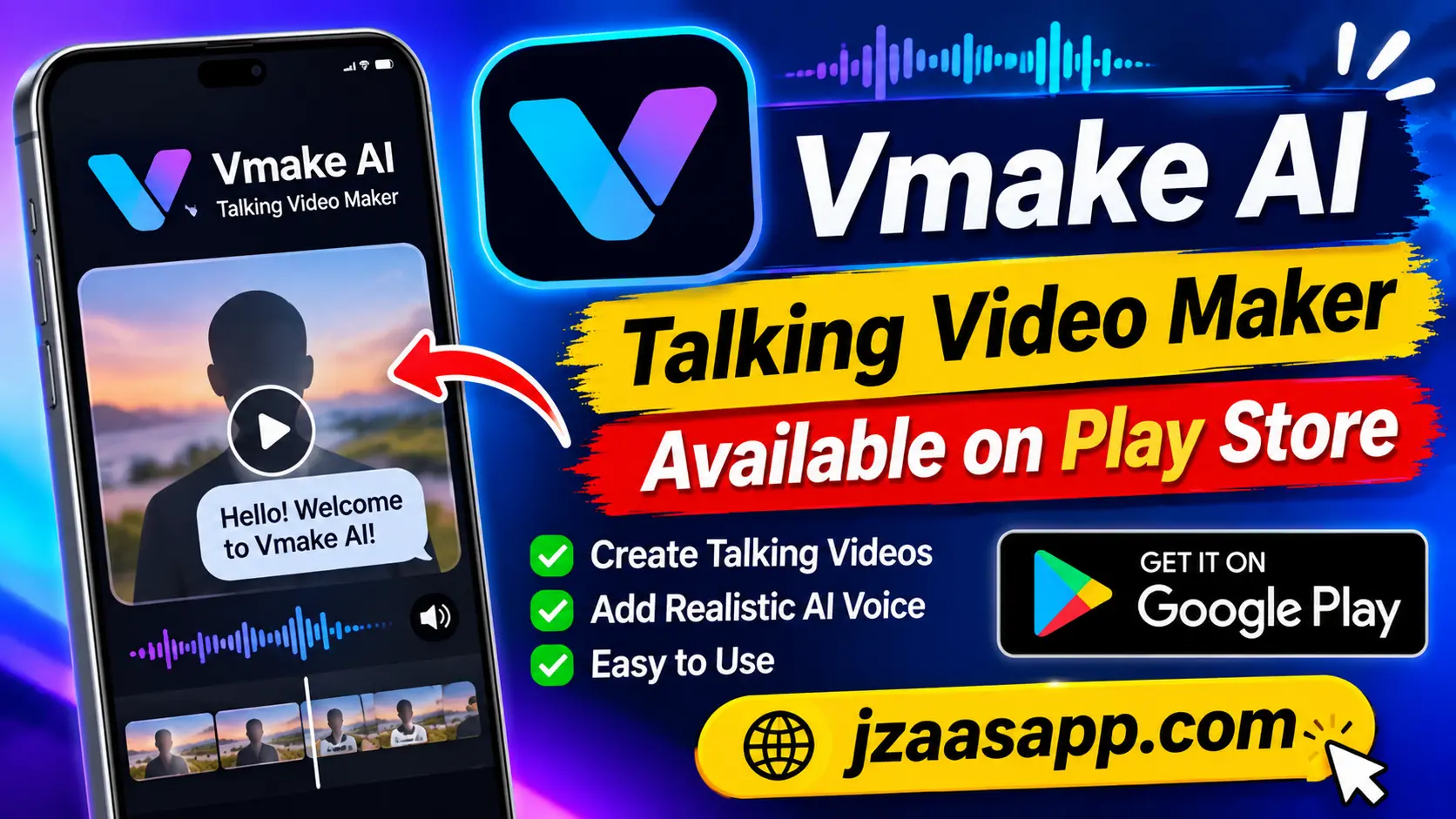
Vmake AI Talking Video Maker – Available on Play Store

Do you want to create talking videos without spending hours recording and editing? Vmake AI Talking Video Maker is an interesting option for Android users who want to create engaging video content with artificial intelligence. The app is currently available on Google Play under the name Vmake Labs: create viral video. Its Lip Sync feature allows users to upload a photo or video, or choose an avatar, to create lip synced content.
Vmake offers more than just talking video creation. It also includes AI video enhancement, object removal, thumbnail creation, a teleprompter, and video to text tools. These features can help content creators, online sellers, and social media users prepare videos more easily. In this guide, you will learn about its main features, download process, pricing, requirements, and how to create AI talking videos.
Vmake AI Talking Video Maker – Quick Information
| Information | Details |
|---|---|
| App Name | Vmake Labs: create viral video |
| Former Name | Vmake AI |
| Developer | Starii Tech Pty Ltd |
| Category | Video Players & Editors |
| Platform | Android |
| Availability | Available on Google Play |
| Main Features | Lip Sync, AI Enhancer, AI Remover, AI Thumbnail, Teleprompter |
| Pricing | Free access with in-app purchases |
| Internet Requirements | Internet access is recommended for AI features |
| Android Compatibility | Check device compatibility on Google Play |
| Download Source | Official Google Play Store |
What Is Vmake AI Talking Video Maker?
Vmake AI Talking Video Maker is an AI-powered video creation and editing solution. It helps users create talking videos, improve video quality, and prepare social media content with different AI tools.
One of its useful features is Lip Sync. Users can upload a photo or video, or select an available avatar, and use the feature to create content with synchronized lip movements. This can be useful for people who want to make talking-style videos without recording every scene themselves.
Vmake Labs is also designed for businesses and social media creators. It provides different video formats, creative templates, and editing tools for making promotional content, product videos, and short social media clips.
Key Features of Vmake AI Talking Video Maker
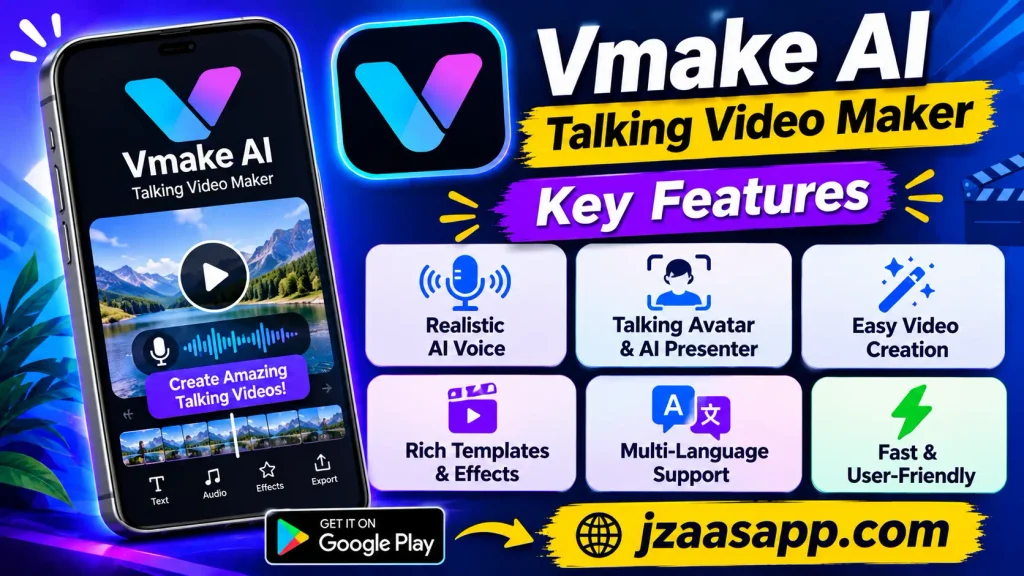
Vmake includes several AI powered tools that make video creation easier. Here are some of its main features and how they can help users.
1. AI Lip Sync
The Lip Sync feature is one of the main reasons users may want to explore Vmake. It allows users to upload a photo or video, or choose an available avatar, to create lip-synced content.
This feature can be useful for short talking clips, creative videos, and social media content. It gives users another way to create video presentations without always appearing in front of a camera.
2. AI Video Enhancer
Sometimes, a video looks blurry or has poor visual quality. Vmake includes an AI Enhancer that helps improve video and image quality.
It can improve clarity, sharpness, and visual details. The tool also supports upscaling low-resolution content, which can help users prepare better-looking videos for online sharing.
3. AI Video and Object Remover
Unwanted objects, people, or text can make a video look less professional. Vmake provides an AI Remover that helps remove these unwanted elements from videos.
Users can use this feature to clean up distracting areas and improve the appearance of their content. The final result may depend on the video quality and the complexity of the object being removed.
4. AI Thumbnail Maker
A good thumbnail helps viewers understand what a video is about before watching it. Vmake includes an AI Thumbnail feature that helps users create attractive video thumbnails.
These thumbnails can be useful for YouTube videos, Instagram Reels, and TikTok content. Users can prepare visual previews without spending too much time designing them manually.
5. AI Hook Generator
The first few seconds of a video are important for attracting attention. Vmake includes an AI Hook tool that helps create verbal and visual hooks for talking videos.
This feature can be helpful for marketers, influencers, and content creators who want to introduce their topics in a more interesting way.
6. HD Camera with Beauty Filters
Vmake also provides an HD Camera with built-in beauty filters. Users can record themselves directly and apply available filters to improve their on-camera appearance.
This can be useful for people who regularly create product reviews, personal videos, tutorials, and social media content.
7. AI Teleprompter
Recording a video while remembering every line can be difficult. The Teleprompter feature helps users follow a written script while recording.
It provides a floating, voice-synced teleprompter that works with camera apps. This can help users deliver their messages more smoothly without repeatedly checking written notes.
8. Video to Text and Captions
Vmake also provides a Video to Text feature that converts spoken video content into editable text. Users can paste a video link or upload a video file to work with its spoken content.
The app also supports caption-related editing tools. These options can help creators prepare videos that are easier to understand, especially for viewers who watch without sound.
How to Download Vmake AI Talking Video Maker from Play Store
Android users can download Vmake through its official Google Play listing. Follow these simple steps to find the correct application.
Step 1: Open Google Play Store
Open the Google Play Store on your Android phone. Make sure your internet connection is working before searching for the app.
Step 2: Search for Vmake AI
Type Vmake Labs: create viral video into the Play Store search bar. This is the current name of the official Android listing.
Step 3: Check the Developer Name
Before downloading, check that the developer name is Starii Tech Pty Ltd. This helps you identify the correct listing and avoid downloading an unrelated application.
Step 4: Tap the Install Button
Open the official app page and tap the Install button. Wait for the download and installation process to finish.
Step 5: Open the Application
Once installed, open Vmake and explore its available tools. Follow the on-screen instructions and check which features are available in your account.
Click the below button
How to Create AI Talking Videos with Vmake
Creating an AI talking video starts with choosing the right source image or video. Vmake provides a Lip Sync feature that can help users create this type of content.
Here is a simple workflow to get started.
Step 1: Install and Open Vmake
Download Vmake Labs from Google Play and open the application. Explore the available editing tools to find the Lip Sync option.
Step 2: Choose the Lip Sync Feature
Select the Lip Sync tool from the available features. This option is designed to create videos with synchronized lip movements.
Step 3: Upload a Photo or Select an Avatar
Choose a suitable photo or video from your device. You can also select an available avatar if the option is provided in your version of the app.
For better results, start with a clear, well lit image where the face and mouth are easy to see.
Before creating your AI talking video, you can improve your picture using photo editing tools. Check out our Polarr Photo Filters & Editor guide to learn how to adjust brightness, colors, filters, and image details.
Step 4: Follow the On Screen Instructions
Follow the instructions shown in the app to provide or select the required speech input and other settings. Available options may vary depending on the feature and app version.
Step 5: Generate and Review Your Video
Start the generation process and wait for the result. Preview the video to check whether the lip movements look natural and match the intended content.
Once you are satisfied, use the available saving or sharing options to prepare your video for social media.
What Makes Vmake AI Talking Video Maker Different?
Many video editing apps focus mainly on basic editing tools such as trimming, cutting, and adding music. Vmake takes a broader approach by combining AI video creation, enhancement, and editing features.
Its Lip Sync tool provides an option for creating talking-style videos, while the teleprompter helps users record their own content. The AI Enhancer and Remover tools can also help improve existing videos.
Another useful point is its focus on social media and product marketing. Small businesses and online sellers can explore ready-to-use video formats such as unboxing, product showcases, how-to videos, and before-and-after content.
If you want more video editing options, explore our Filmora video editor guide to learn about AI editing tools, creative effects, transitions, and video customization features.
Benefits of Using Vmake AI Talking Video Maker
Vmake offers several useful options for people who regularly create online videos.
- Saves editing time: AI powered tools can reduce the amount of manual work needed for certain editing tasks.
- Creates talking style content: The Lip Sync feature provides another way to create talking videos.
- Improves video quality: The AI Enhancer can help improve the appearance of low-quality content.
- Supports social media creators: Different creative formats can help users prepare content for online platforms.
- Helps with recording: The teleprompter makes it easier to follow a script while recording.
- Creates video thumbnails: The AI Thumbnail feature helps users prepare visual previews for their videos.
These benefits depend on the available features, usage limits, and quality of the original content.
Is Vmake AI Talking Video Maker Free to Use?
Vmake offers free access, but not every feature is necessarily available without limits. Its official website shows Free, Plus, and Pro plans with different credit allowances and feature limits. The Google Play listing also indicates that the app includes in-app purchases.
The official website’s current plan comparison lists daily credits for the Free plan and monthly credits for the paid plans. Some advanced tools and higher export options have additional restrictions. Check the latest pricing and available features inside the app before purchasing a subscription.
Is Vmake AI Talking Video Maker Safe for Android?
Vmake is available through Google Play, which provides an official distribution channel for Android applications. Its Play Store Data Safety section currently displays developer-provided declarations of no data collected, no data shared with third parties, and encryption of data in transit. It also states that users can request data deletion.
However, these details are provided by the developer and may change. They should not be treated as an independent security audit or a guarantee of privacy. Before uploading personal photos, videos, or voice recordings, review the app’s permissions and privacy policy. Only use images and voices that you own or have permission to use.
If you enjoy creating lip sync videos with music and creative effects, explore our Funimate Video Editor & Maker guide to discover more video editing options for Android.
Vmake AI Talking Video Maker Requirements
Before downloading the application, check whether your Android device can support it. The exact requirements may depend on your device and the current app version.
| Requirement | Details |
|---|---|
| Device | Compatible Android smartphone or tablet |
| Operating System | Check the minimum version shown by Google Play |
| Internet | Keep a stable connection for online AI features |
| Storage | Sufficient free space for the app and video files |
| Permissions | Allow relevant media or camera access when needed |
| Download Source | Google Play Store |
The public Play Store listing does not clearly specify a universal minimum Android version. Open the official listing on your device to check compatibility before installing.
Who Should Use Vmake AI Talking Video Maker?
Vmake can be useful for different types of users who want to create or improve video content.
- Social Media Creators: People who regularly publish videos and short-form content can explore its editing and AI tools.
- Small Business Owners: Online sellers can use creative video formats to showcase their products.
- Digital Marketers: Marketing professionals can explore AI hooks, thumbnails, and promotional video tools.
- Content Creators: People who make tutorials, presentations, and talking videos can use the teleprompter and Lip Sync features.
- Beginners: Users who want to explore AI-powered video editing can try its available tools without needing advanced editing knowledge.
FAQs
Is Vmake AI Talking Video Maker Available on Play Store?
Yes. Vmake is available on Google Play under the name Vmake Labs: create viral video. The application is published by Starii Tech Pty Ltd. Android users can find it by searching for its current listing name or using the official download link.
Can Vmake Create Talking Videos from Photos?
Yes. Its Lip Sync feature allows users to upload a photo or video, or choose an available avatar, to create lip-synced content. The available workflow and options may depend on the app version.
Is Vmake AI Talking Video Maker Free?
Vmake offers free access with certain usage limits. Its official website also provides Plus and Pro plans with additional credits and features. The Android listing indicates that in-app purchases are available.
Does Vmake Work on Android Phones?
Yes. Vmake has an official Android application on Google Play. However, users should check the Play Store compatibility information to confirm whether their particular device supports the latest version.
Can Beginners Use Vmake?
Yes. Beginners can explore its ready-to-use templates and AI-powered tools. Features such as Lip Sync, AI Enhancer, and Teleprompter provide different ways to create and improve video content without requiring advanced editing skills.
Does Vmake Work Without an Internet Connection?
The public app listing does not clearly confirm full offline support. AI-powered video generation and processing may require an internet connection, so users should keep their devices connected when using these features.
Is Vmake Better for Talking Videos or Regular Video Editing?
Vmake supports both talking-style content and general video creation. Its Lip Sync and Teleprompter tools are useful for talking videos, while its AI Enhancer, Remover, Thumbnail, and creative templates support other video editing tasks.
Conclusion
Vmake AI Talking Video Maker is an interesting option for Android users who want to explore AI-powered video creation. Its Lip Sync feature, AI Enhancer, Remover, Thumbnail Maker, and Teleprompter provide several useful tools for creating and improving videos. It can be helpful for social media creators, small businesses, and beginners who want to prepare engaging content.
The app is available on Google Play as Vmake Labs: create viral video. Before downloading, check its latest features, device compatibility, and pricing. Try the free options first to see whether the available tools meet your video editing needs.
For more Android app guides, APK information, and the latest technology updates, keep visiting Jzaas for simple and useful content.