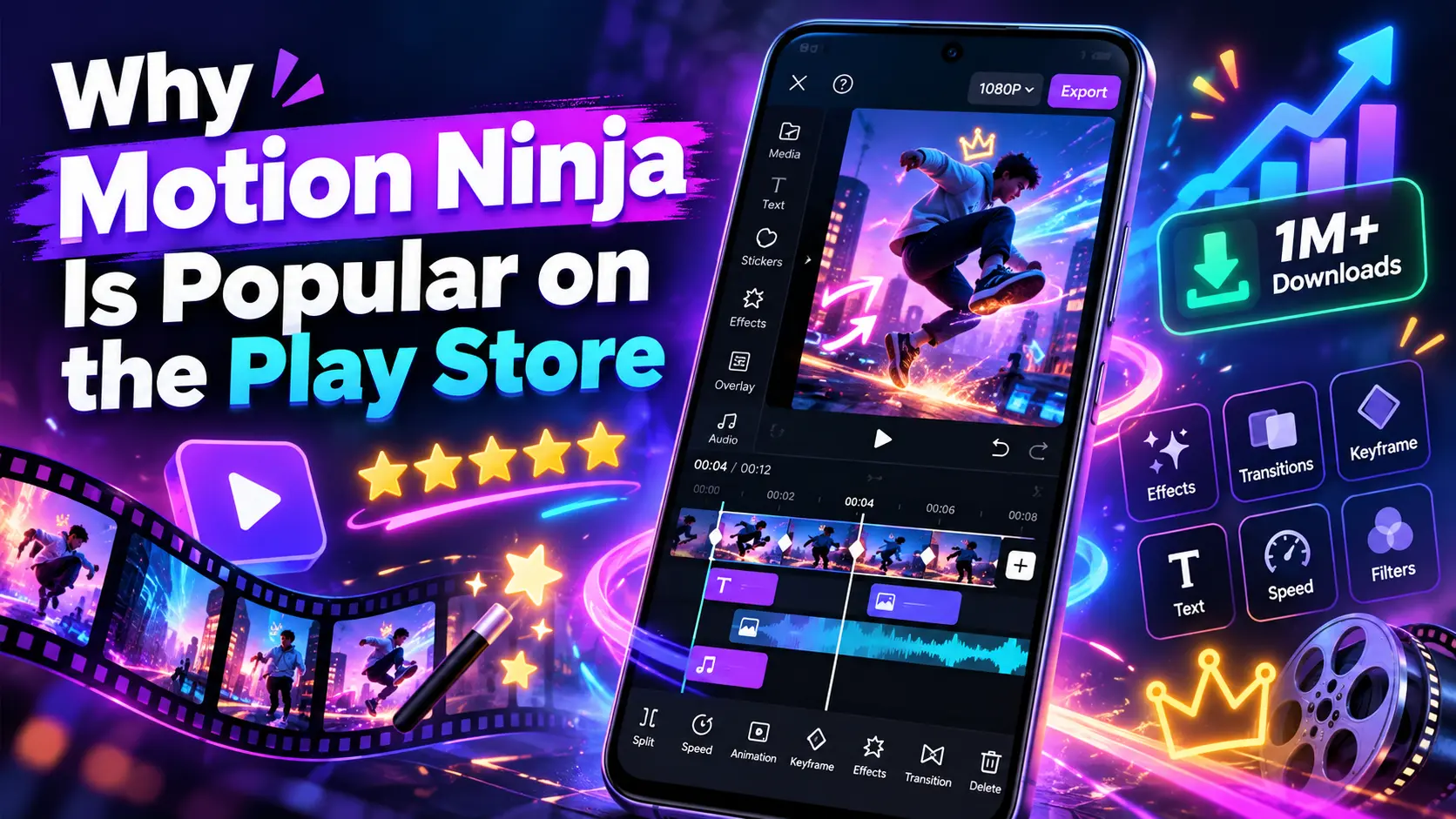
Why Motion Ninja Is Popular on the Play Store

Mobile video editing has become very popular in recent years. People now create videos for YouTube, TikTok, Instagram Reels, Facebook, and many other platforms directly from their phones. Because of this, users want editing apps that are easy to use but still offer powerful features. Motion Ninja is one of the apps that has gained attention on the Play Store.
It is mainly known for video editing, motion graphics, effects, transitions, and keyframe animation. Many beginners and content creators use it because it gives them useful editing tools without needing a computer. In this article, we will look at why Motion Ninja is popular on the Play Store and what makes it useful for mobile video editors.
What Is Motion Ninja?
Motion Ninja is a mobile video editing app made for users who want to create stylish and professional-looking videos on their smartphones. The app offers different editing tools such as video cutting, transitions, effects, keyframes, filters, text animation, green screen editing, and more. It can be useful for both simple edits and more advanced projects.
Many users like Motion Ninja because they can do a lot of editing in one app instead of using several different apps. This makes the editing process easier and saves time.
Why Is Motion Ninja So Popular on the Play Store?
One of the main reasons Motion Ninja is popular is that it gives mobile users many editing options in a simple setup. People do not always want to use complicated desktop software. Many users just want to open an app, import their video, add effects, edit clips, and export the final result.
Motion Ninja makes this process easier while still giving users more control over their videos. Features like keyframe animation, visual effects, masking, and chroma key make the app more powerful than many basic video editors.
Easy to Use Video Editing Interface
A good editing app should not confuse the user, and Motion Ninja offers a layout that is fairly easy to understand. Users can place clips on the timeline, trim videos, add music, insert text, and apply effects from the same editing screen.
Beginners may need some time to understand advanced tools, but basic editing is easy to learn. This makes the app useful for people who are new to video editing as well as users who already have some editing experience.
Powerful Video Editing Tools for Mobile Users
Motion Ninja includes many tools that are normally expected in advanced editing apps. Users can cut clips, split videos, change speed, add overlays, adjust timing, and work with multiple layers. These tools help users create more detailed and creative videos.
Instead of making only simple clips, users can create edits with animations, effects, text, music, and different video layers. This is one reason why the app is popular among people who create short-form content.
Main Motion Ninja Features at a Glance
| Feature | What It Does | Best For |
|---|---|---|
| Video Trimming | Cuts unwanted parts of a video | Basic editing |
| Keyframe Animation | Adds movement to text, images, and clips | Motion graphics |
| Chroma Key | Removes green screen backgrounds | Creative videos |
| Visual Effects | Adds stylish effects to videos | Reels and Shorts |
| Transitions | Creates smooth changes between clips | Social media videos |
| Multiple Layers | Combines videos, images, and text | Advanced editing |
| Speed Control | Makes videos faster or slower | Slow motion and fast edits |
| Filters | Changes the overall video look | Quick visual improvement |
Professional Visual Effects and Transitions
Visual effects can make a normal video look more interesting and attractive. Motion Ninja gives users access to different effects and transitions that can be added between clips or placed over a video.
Transitions are especially useful for TikTok edits, YouTube Shorts, gaming videos, music edits, and Instagram Reels. Users can also combine effects with other tools to create more creative results. However, it is always better to use effects carefully because too many effects can make a video look messy.
Keyframe Animation and Motion Graphics Features
Keyframe animation is one of the strongest features of Motion Ninja. With keyframes, users can control how an object, text, image, or video moves over time.
For example, you can make text move from one side of the screen to another. You can also zoom an image, rotate an object, or change the position of a layer during the video. This gives users more creative control over their edits.
Keyframes are normally used in more advanced editing, so having this feature on a mobile app makes Motion Ninja more attractive to users who want professional-looking results.
Green Screen and Chroma Key Editing
Motion Ninja also includes green screen editing through its chroma key tool. This feature allows users to remove a specific background color, usually green, and place another image or video behind the subject.
It is useful for creative videos, gaming content, reaction videos, educational videos, and social media content. For users who want to experiment with different backgrounds, chroma key can be a very useful feature.
High Quality Video Export Options
Video quality is very important for content creators. After spending time editing a video, users want the final result to look clear and smooth. Motion Ninja offers different export options depending on the project and device.
Users can choose settings that match the type of content they are creating. Good export quality is especially important for YouTube, Instagram, TikTok, and Facebook because low quality videos may not look professional.
Also check out our detailed CapCut APK Review to explore its features, editing tools, and overall performance.
Ready Made Effects, Filters, and Templates
Not every user wants to create everything from scratch. Motion Ninja includes effects, filters, and other ready-made editing options that can save time.
These tools are helpful for beginners who want their videos to look better without learning advanced editing techniques. Filters can change the overall look of a video, while effects can add movement and style. Ready-made options also make the editing process faster for users who create content regularly.
Why Content Creators Prefer Motion Ninja
Content creators often need to make videos quickly. They may have to edit multiple videos every week or even every day. Motion Ninja is useful because it allows creators to edit directly from their phones without transferring files to a laptop or computer for every small project.
This can save a lot of time. The app is especially useful for creators who make short videos, motivational clips, gaming edits, music edits, product videos, and social media content.
Motion Ninja for YouTube Shorts, TikTok, and Reels
Short form video is now a major part of social media. Apps like TikTok, Instagram, and YouTube have made vertical video very popular.
Motion Ninja works well for this type of content because users can create quick edits, add text, apply effects, use transitions, and match clips with music. Creators can also use keyframes and speed controls to make videos more engaging. This makes Motion Ninja a useful option for people who mainly create short videos.
Free vs Premium Features of Motion Ninja
Motion Ninja offers both free and paid options. The free version gives users access to many basic editing tools, which can be enough for people who are learning or making simple videos.
However, some advanced effects, features, or export options may require a premium version. The paid version can be more useful for regular content creators who want access to more tools and fewer limits. Before buying, users should check which features they actually need.
Advantages of Using Motion Ninja
Motion Ninja has several benefits for mobile editors. It offers many tools in one app, which makes editing more convenient. Users can work with effects, keyframes, transitions, filters, text, overlays, and other features without changing apps again and again.
Another advantage is that the app can be used without a powerful computer. For many users, this makes video editing more affordable and easier to access.
Limitations of Motion Ninja
Like any editing app, Motion Ninja also has some limitations. Advanced editing can be difficult for complete beginners at first, and some features may require a premium plan.
Performance can also depend on the phone. Large projects with many layers and effects may run slowly on older or low-end devices. Users should also keep enough free storage because video editing files can take a lot of space.
Also check out our VivaCut v4.5.4 APK Download guide to explore another powerful video editor for Android.
Motion Ninja vs Other Mobile Video Editing Apps
There are many video editing apps available on Android, including CapCut, Alight Motion, VN, and KineMaster. Each app has its own strengths, and the best choice depends on the type of editing a user wants to do.
Motion Ninja stands out because it focuses strongly on motion effects, keyframes, and creative editing. Some users may prefer other apps for quick and simple edits, while others may choose Motion Ninja when they want more control over animations and visual effects.
| Editing App | Main Strength | Good For | Learning Level |
|---|---|---|---|
| Motion Ninja | Motion effects and keyframes | Creative video editing | Beginner to Advanced |
| CapCut | Fast social media editing | TikTok, Reels, Shorts | Beginner |
| Alight Motion | Motion graphics and animation | Advanced animations | Intermediate |
| VN | Clean timeline editing | Regular video editing | Beginner to Intermediate |
| KineMaster | Multi-layer video editing | Detailed mobile projects | Intermediate |
This comparison shows that Motion Ninja can be a good choice for users who want a balance between easy mobile editing and more advanced motion tools.
Is Motion Ninja Good for Beginners?
Yes, Motion Ninja can be a good option for beginners. Basic tools such as cutting, trimming, text, music, and simple effects are easy to understand.
However, features like keyframes, masking, and motion graphics may take some practice. Beginners should start with simple projects and slowly learn the advanced tools. There are also many tutorials available online that can help users understand the app better.
Is Motion Ninja Worth Using?
Motion Ninja can be worth using if you want a mobile video editor with more than just basic tools. It is especially useful for people who create short videos, social media edits, animated text, motion effects, and creative video projects.
The app gives users a good mix of simple editing tools and advanced features. For casual users, the free version may be enough, while serious creators may find more value in the premium version.
Final Thoughts
Motion Ninja is popular on the Play Store because it gives mobile users a powerful way to edit videos without needing desktop software. Its easy interface, keyframe animation, effects, transitions, green screen tools, filters, and export options make it useful for many types of creators.
It may take some time to learn the advanced features, but once users understand them, they can create impressive videos directly from their phones. If you are looking for a mobile video editing app that offers both basic and creative tools, Motion Ninja can be a good option to try.